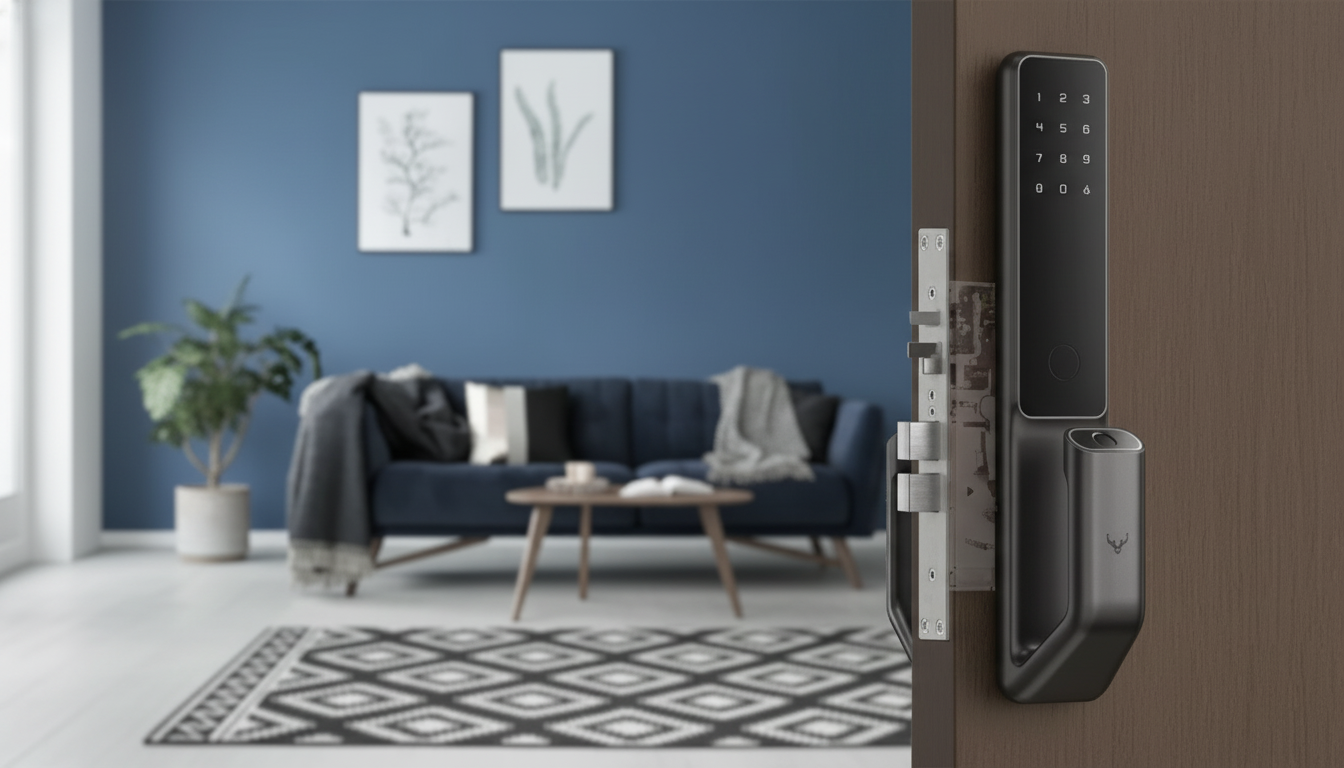
A smart door lock can replace or enhance a traditional deadbolt with keyless entry, app-based control, and flexible access for family, guests, and service providers. Instead of juggling spare keys (or wondering who has them), you can manage entry in a way that fits real life—busy mornings, late-night arrivals, and last-minute visitors. This guide breaks down how an advanced smart lock works, what to check before installing one, and how to use features like temporary codes and activity logs to make entry safer and smoother.
An advanced smart door lock is built to make everyday access easier without giving up the core job of a deadbolt: keeping the door securely closed and controlled.
Smart locks shine when multiple people need access and schedules rarely line up perfectly.
Choosing the right unlock method comes down to who uses the door most often (kids, older relatives, guests) and how reliable your home network is. Many households prefer a keypad for daily entry, then keep app/remote access for management and exceptions.
A physical key backup can also be a helpful fallback, especially during battery depletion or app permission issues. Above all, prioritize features that match routines—scheduled codes for cleaners, keypad access for teens, and remote unlock for dog walkers or last-minute visitors.
| Access method | Best for | Main benefit | Watch-outs |
|---|---|---|---|
| Keypad PIN | Households with frequent users | Works without phones; easy to share unique codes | Choose longer PINs; keep keypad clean; disable old codes |
| Mobile app / Bluetooth | Primary homeowner access | Fast unlock; user management; activity tracking | Phone battery and permission settings matter |
| Remote unlock (Wi‑Fi/hub) | Letting in guests or service providers | Control from anywhere; real-time status/alerts | Requires reliable network and secure account setup |
| Physical key (if included) | Backup access | Works during outages or dead batteries | Store spares safely; rekeying may be needed after moves |
Most smart locks are designed for common residential doors, but a quick measurement check prevents frustrating install-day surprises.
A smart lock’s convenience features are only as strong as its fundamentals. Start with the physical installation and build outward to app settings and access rules.
For a deeper look at baseline security capabilities for connected devices, see NISTIR 8259A. For hardware performance standards and certified product information, the BHMA Certified Products Directory is a helpful reference point.
The Advanced Smart Door Lock is designed for keyless entry and modern access control suited to daily household use. It’s a strong fit for households that want simplified entry, configurable access for others, and less reliance on copied keys.
A smart door lock upgrades a traditional lock with keyless entry and, depending on the model, app control for locking/unlocking, sharing access, and viewing activity history. Features vary based on whether the lock uses keypad-only access, Bluetooth, or Wi‑Fi/remote connectivity.
Many smart locks fit standard doors prepped for a deadbolt, but compatibility depends on door thickness, backset, bore hole size, deadbolt type, and alignment. Non-standard doors or specialty hardware (like certain mortise setups) may require adapters or a different lock style.








Leave a comment